Skip to content
Hippoo WooCommerce app Hippoo WooCommerce app
Hippoo WooCommerce app
  • Help center
  • Feature request
  • For Agencies
  • Blog
  • Contact us
Download now

Getting Started

4
  • Install Hippoo WooCommerce plugin
  • Automatic Connection to Hippoo App
  • Manual Connection to Hippoo App
  • Adding Multiple Shops in Hippoo

User Guide

10
  • Role & Permissions in Hippoo WooCommerce App
  • How to Clean Up Long Metadata Under Order Items (Keep Only Size/Color)
  • How to Customize Invoice and Shipping Label Templates in Hippoo
  • How to Use Hippoo Extensions
  • Printing Invoices and Shipping Labels in Hippoo
  • Using the Hippoo Order Weight Calculator
  • Using the Barcode Scanner in Hippoo
  • How to Use Status Updater in Hippoo
  • Pin Custom Field in Order Summary
  • Setting Up Custom Event Notifications in Hippoo

Troubleshoot

7
  • Resolve WooCommerce data loading issues in the Hippoo app
  • Order Status Not Updating in the Hippoo Mobile App (WooCommerce REST API & Caching)
  • Cannot Add Product in Hippoo App
  • Cannot Upload Photo in Media Library via Hippoo app
  • WooCommerce Sales Reports Showing Zero in Hippoo app
  • Order Notifications Not Receiving in Hippoo App
  • Plugin Installed but App Shows Plugin Not Installed
View Categories
  • Home
  • Docs
  • User Guide
  • Role & Permissions in Hippoo WooCommerce App

Role & Permissions in Hippoo WooCommerce App

2 min read

The Hippoo WooCommerce app gives store administrators full control over what each user role can see and access.

With this feature, you can restrict access to specific data such as orders, products, coupons, and more for roles like Shop Manager, Author, or others. This helps you protect sensitive information and manage responsibilities more effectively.

Important #

Access to Role & Permissions settings requires an active Hippoo Premium subscription.

Also note, these permissions are applied at the WooCommerce API level, not in the mobile app itself. If no changes are made, default WooCommerce permissions will be used.


Getting Started #

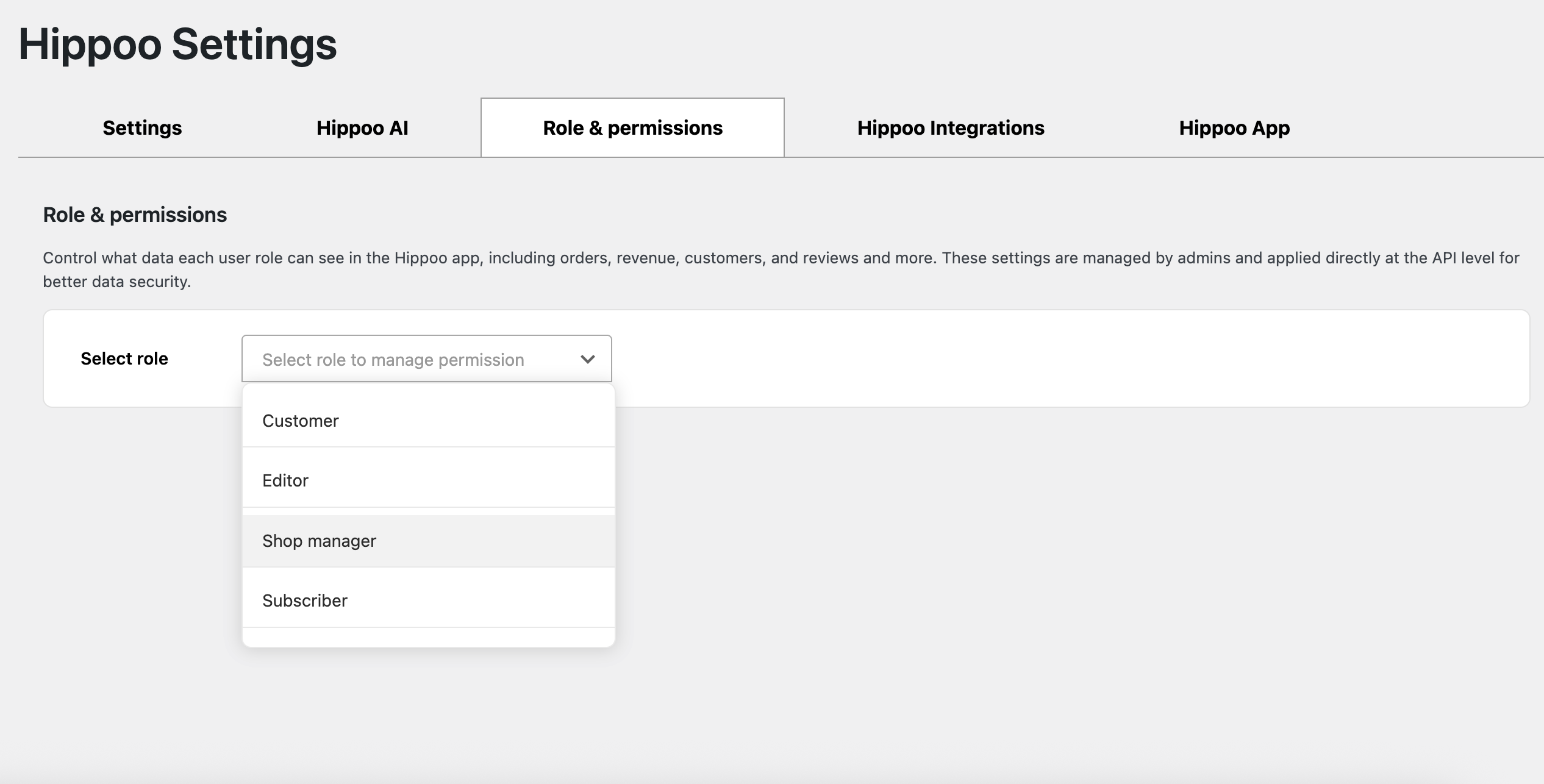
  1. Open your WooCommerce dashboard
  2. Go to Hippoo from the left menu
  3. Open the Role & Permissions tab
  4. Select the role you want to manage, for example Shop Manager
Permission Settings #

Once a role is selected, you can configure detailed access rules:

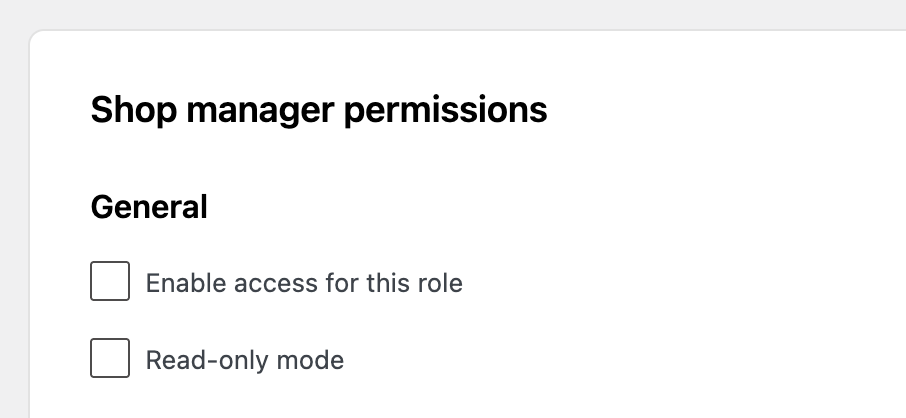
General #

  • Enable or disable access to the Hippoo app
  • Set the role as read-only to prevent any changes
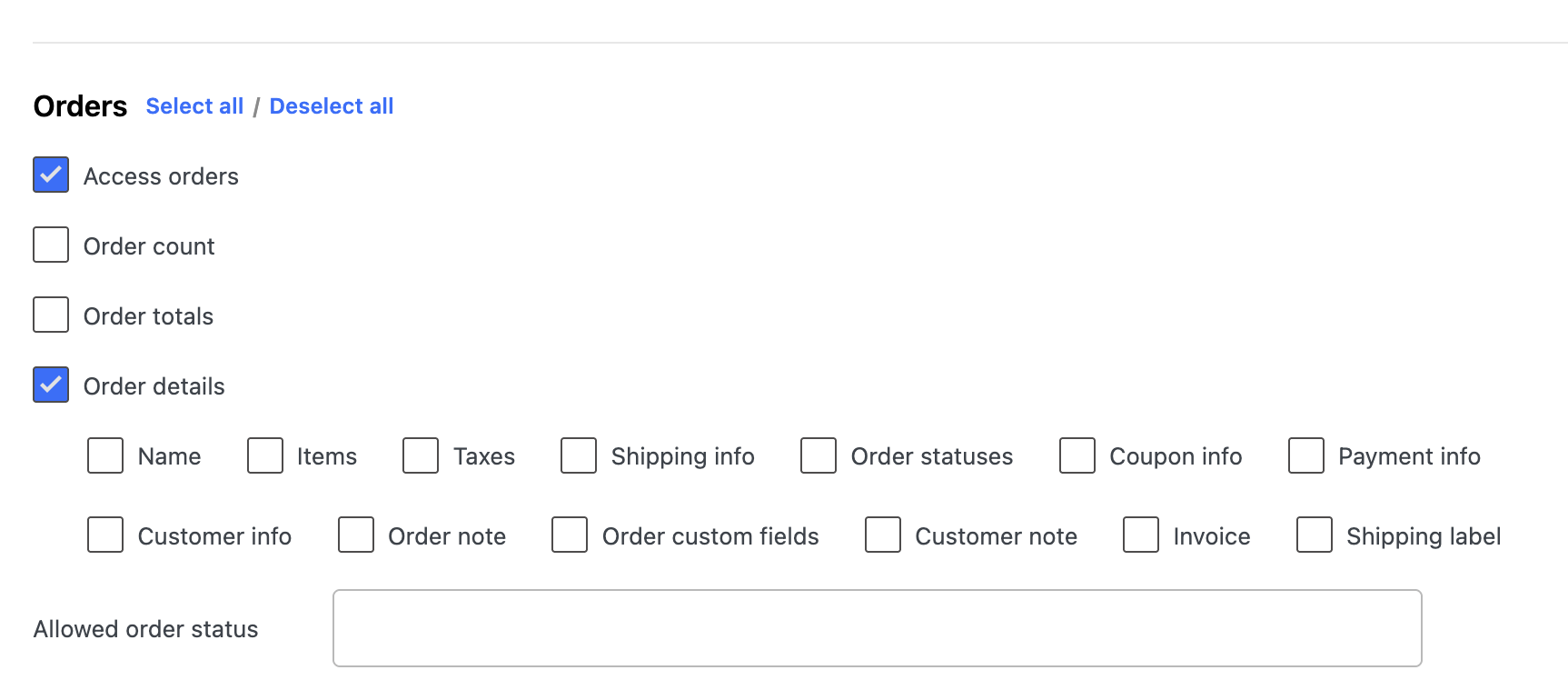
Orders #

  • Allow or restrict access to orders
  • Hide specific orders based on status
  • Hide sensitive details such as:
    • Customer address
    • Phone number
    • Order total
    • Payment or shipping info

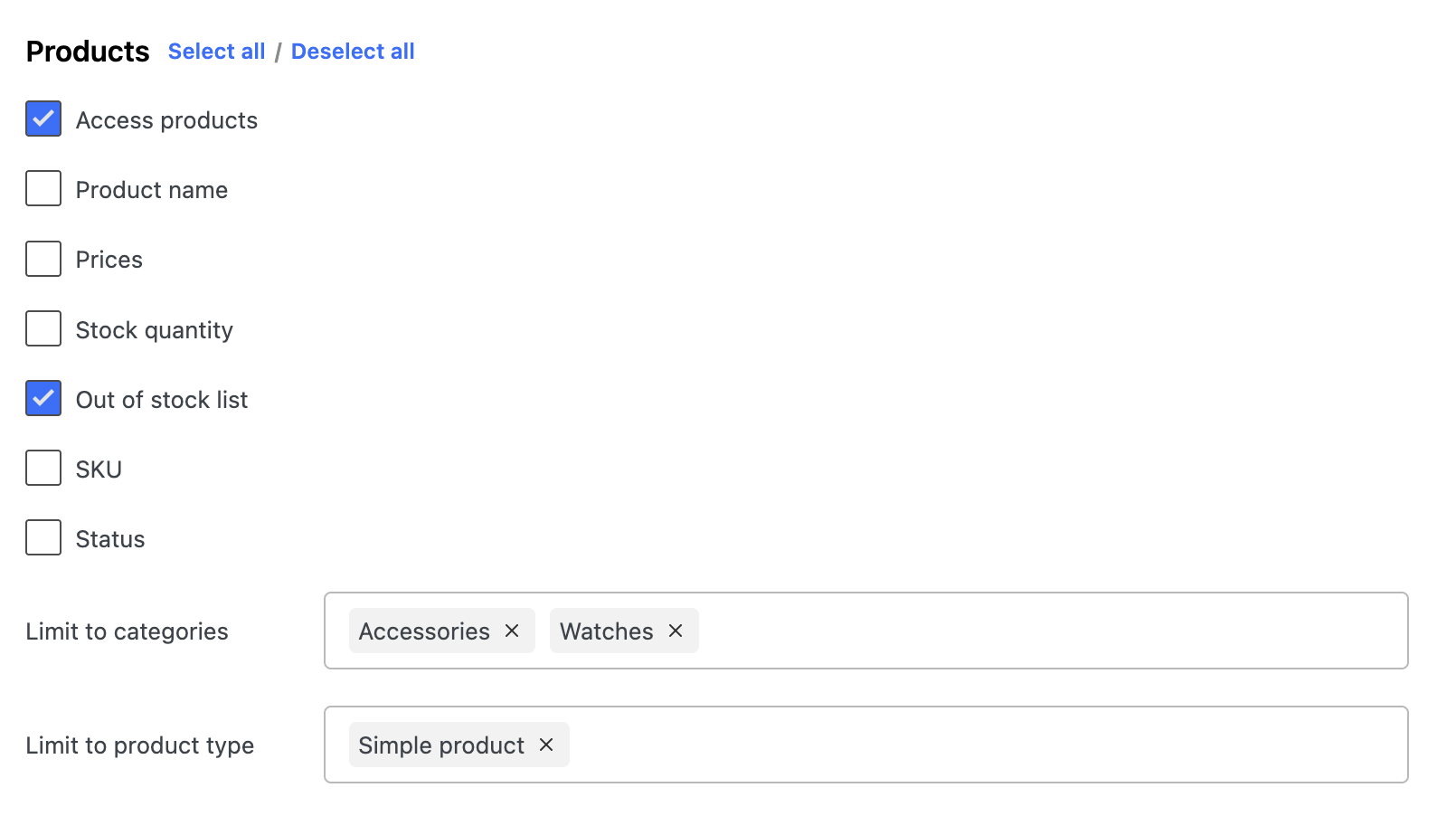
Products #

  • Control access to the products section
  • Hide products based on:
    • Category
    • Product type
    • Stock status
  • Hide specific fields like:
    • Price
    • SKU
    • Inventory details

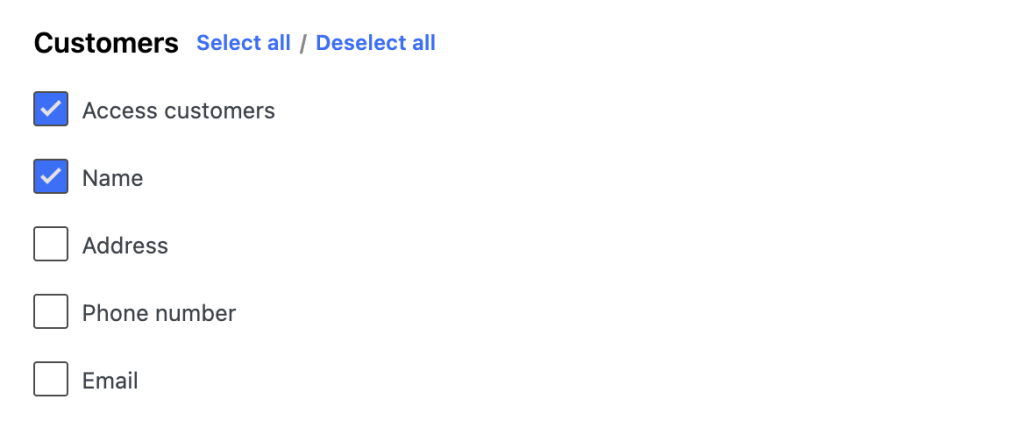
Customers #

  • Restrict access to customer data
  • Hide personal information such as phone numbers and addresses
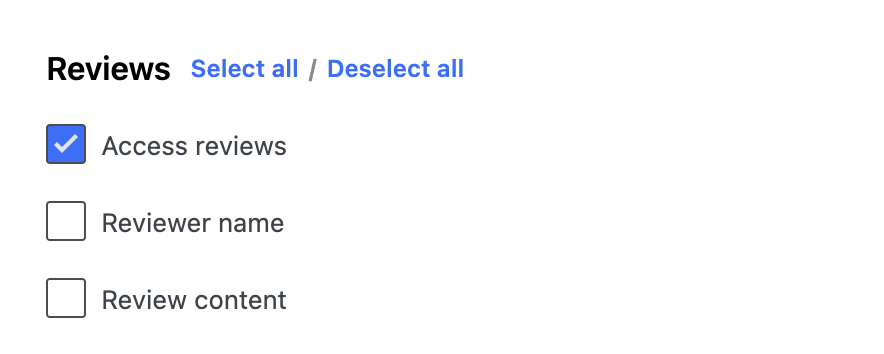
Reviews #

  • Control access to product reviews and reviewer details
Sales Analytics #

  • Enable or disable access to sales analytics in the Hippoo app

Coupons #

  • Show or hide coupons for this role

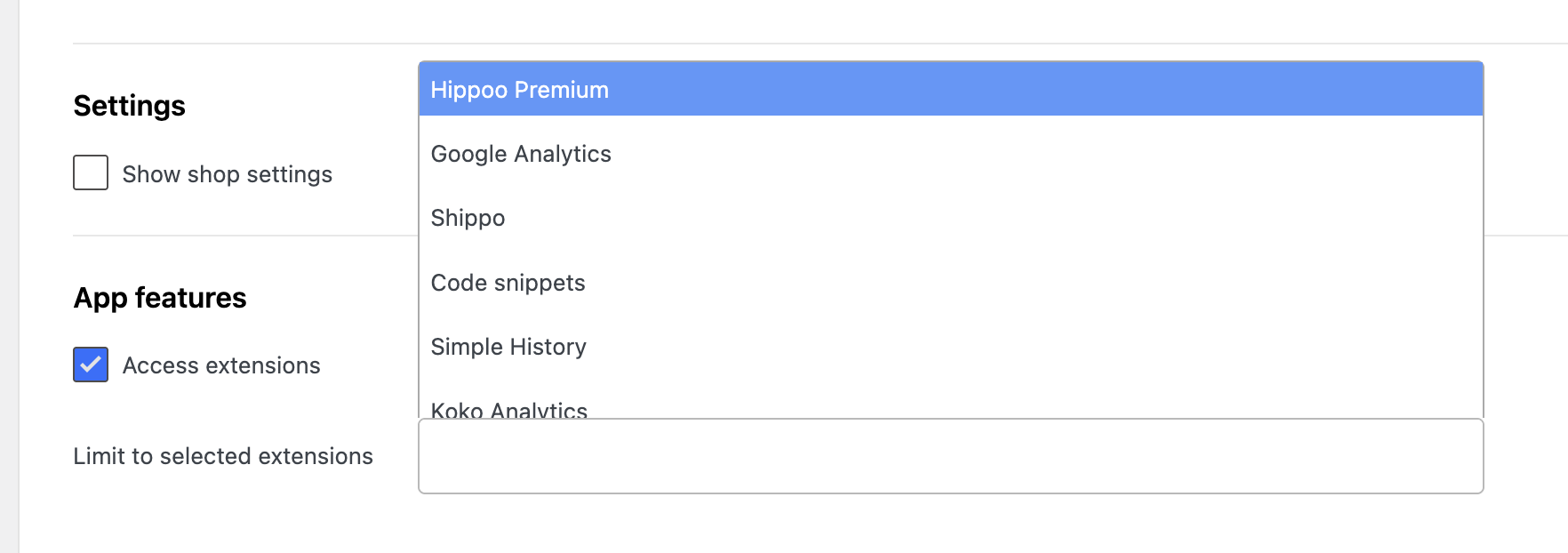
Shop Settings #

  • Restrict access to store settings

App Features #

  • Limit access to specific Hippoo extensions
  • For example:
    • Google Analytics
    • Hippoo Ticket
    • Other integrations

This flexible system allows you to define exactly what each role can access, helping you maintain privacy, security, and better workflow control in your store.

Updated on April 11, 2026

What are your Feelings

  • Happy
  • Normal
  • Sad

Share This Article :

  • Facebook
  • X
  • LinkedIn
  • Pinterest
Setting Up Custom Event Notifications in HippooHow to Clean Up Long Metadata Under Order Items (Keep Only Size/Color)
Table of Contents
  • Important
  • Getting Started
  • Permission Settings
    • General
    • Orders
    • Products
    • Customers
    • Reviews
    • Sales Analytics
    • Coupons
    • Shop Settings
    • App Features

Copyright © 2025 Hippoo. All rights reserved.