

Cryptocurrency payments are becoming a realistic option for WooCommerce stores, not just an experiment. Store owners are adding crypto mainly to support international customers, avoid chargebacks, and offer an alternative to traditional gateways. Based on real WooCommerce user experiences, the technical setup is usually easy. The important part is choosing a reliable provider and making the checkout experience clear for customers.
This guide explains how crypto payments work in WooCommerce, how to activate them using a service like NOWPayments, and what to watch out for before going live.
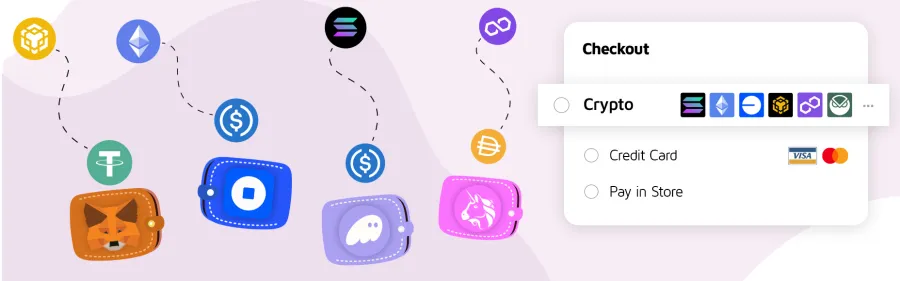
When Crypto Payments Make Sense
Crypto payments work best as an extra option, not a replacement for card or PayPal payments. Customers who already use crypto will recognize it immediately, while others can simply ignore it.
The main advantages are:
- Payments without chargebacks
- Fewer limitations for international buyers
- Direct transfers to your wallet
- Support for stablecoins to avoid volatility
The downside is that crypto transactions are irreversible, so clarity and testing are essential.
Adding Crypto Payments Using NOWPayments
NOWPayments is a popular crypto payment gateway for WooCommerce. It supports many cryptocurrencies and stablecoins and handles price conversion automatically during checkout.
You can learn more about it here if needed:
https://nowpayments.io
How to Activate NOWPayments in WooCommerce

Start by creating an account on NOWPayments and generating an API key from your dashboard. You’ll also need to define where payouts should be sent, usually a crypto wallet address.
Next, install the NOWPayments WooCommerce plugin in your WordPress admin area and activate it. After activation, go to WooCommerce settings and open the Payments tab. You will see NOWPayments listed as a payment method.
Enable it, paste your API key and IPN secret, select the cryptocurrencies you want to accept, and save your changes. Once enabled, customers will see crypto as a payment option during checkout.
Before enabling it for real users, place a test order and confirm that the order status updates correctly after payment.
A Simpler Alternative: Direct Wallet Plugins
Some store owners prefer plugins that send payments directly to their wallets without using a full payment service. Plugins like CryptAPI work this way.
These plugins usually:
- Do not require account registration
- Send funds directly to your wallet
- Still handle price conversion automatically
The setup is similar. Install the plugin, enable it in WooCommerce payment settings, add your wallet addresses, and save. This approach is simpler, but you are fully responsible for wallet management and transaction monitoring.
Improving the Crypto Checkout Experience
Based on real usage, most problems come from customer confusion, not technical errors. To avoid that, make the crypto option feel clear and intentional.
At checkout, it helps to:
- Clearly show which cryptocurrencies are accepted
- Mention that crypto payments are final and non-refundable
- Explain that confirmation can take a few minutes
- Add a short FAQ or note near the payment option
Always test on a staging site or with very small payments before announcing crypto support publicly.
Final Thoughts
Adding crypto payments to WooCommerce is no longer complicated. With the right plugin and basic testing, setup can be done quickly. The real value comes from treating crypto as an optional, well-explained payment method rather than a novelty.
If your audience includes international or crypto-savvy customers, this can be a solid addition to your store without disrupting your existing checkout flow.