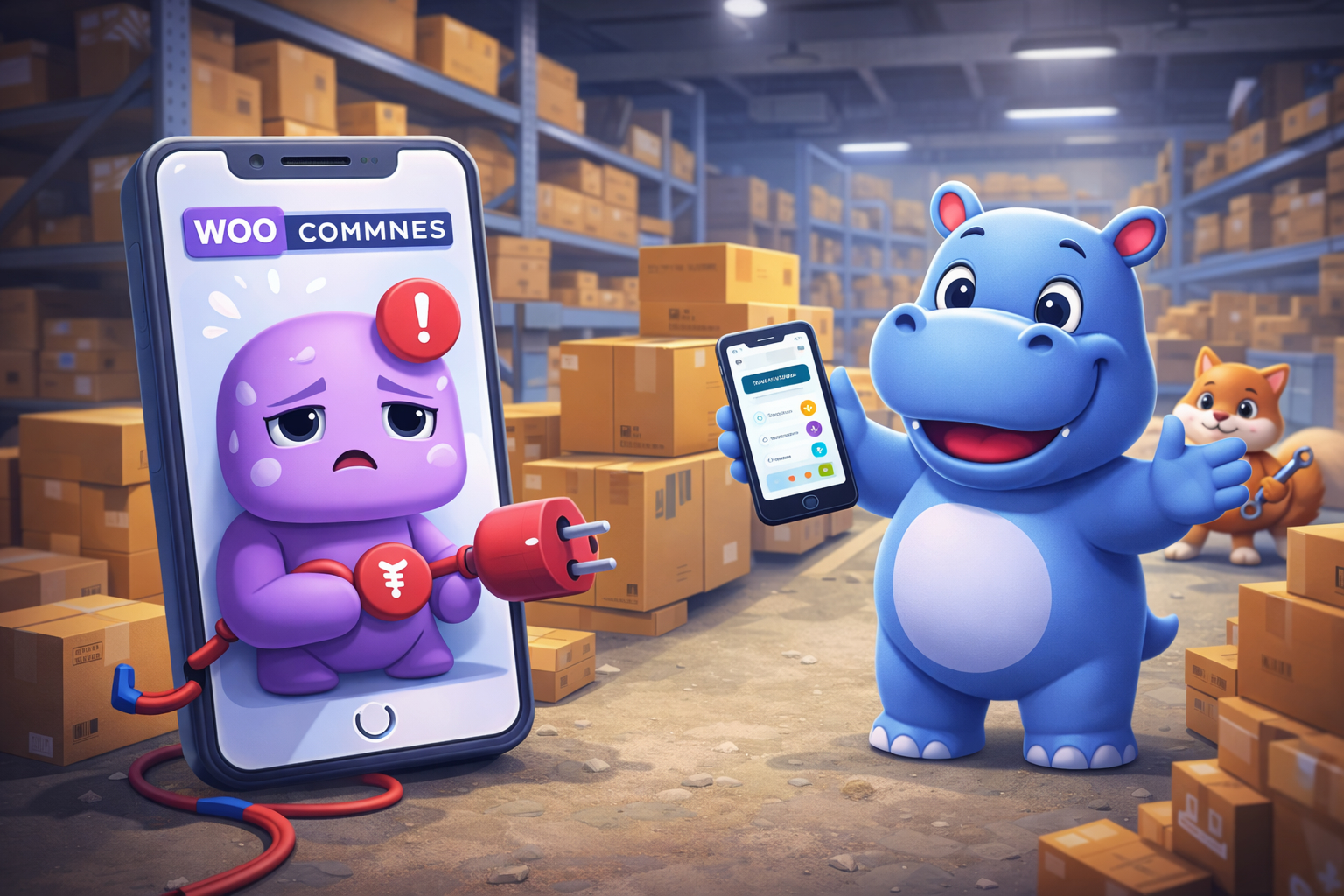

The WooCommerce mobile app is meant to give store owners freedom. You install it, connect your store, and manage orders, products, and sales from anywhere. Unfortunately, many WooCommerce users discover that the app refuses to connect, disconnects randomly, or stops syncing after updates.
This is not an edge case or a rare configuration problem. Connection failures are one of the most common complaints among WooCommerce store owners, and they tend to repeat even after successful fixes. Understanding why this happens is the first step toward choosing a more stable solution.
Why the WooCommerce App Struggles to Connect
At the center of most connection issues is how the WooCommerce app communicates with your store.
The official app does not connect directly to WooCommerce. Instead, it relies on Jetpack and a WordPress.com account to act as a bridge. This introduces additional dependencies that increase the chances of failure.
Several common scenarios trigger connection problems:
- Jetpack is not installed, partially connected, or disconnected after an update.
- The WordPress.com account loses authorization or expires.
- Hosting providers block or restrict outgoing REST API requests.
- Security plugins interfere with authentication or API endpoints.
- Performance optimizations or caching layers alter API responses.
- Plugin or theme updates introduce conflicts that affect REST routes.
Even when everything appears correct inside WordPress, the app may still fail without showing a clear error message. This makes troubleshooting time consuming and often frustrating, especially for non technical store owners.
Common Fixes and Why They Often Do Not Last
Most troubleshooting guides suggest similar steps. These can help temporarily, but they rarely address the underlying fragility of the setup.
Typical fixes include:
- Reinstalling and reconnecting Jetpack.
- Reauthorizing the WordPress.com account.
- Disabling security or caching plugins.
- Resetting permalinks and REST API settings.
- Updating WooCommerce, WordPress, and the mobile app.
In many cases, the app reconnects successfully after these steps. The problem is that future updates, hosting changes, or plugin installations can break the connection again. Store owners find themselves repeating the same process every few months.
At this point, the issue is no longer just technical. It becomes operational. A tool meant to simplify store management becomes a recurring source of maintenance.
The Structural Limitations of the WooCommerce App
Even when the WooCommerce app works, it has limitations that become more noticeable as a store grows.
The app is designed as a companion, not a full management solution. Many actions still require switching back to the desktop dashboard. Advanced workflows are limited. Managing more than one store is inconvenient. Performance can degrade with larger catalogs or higher order volume.
The Jetpack requirement is another major concern. Many store owners deliberately avoid Jetpack due to performance, privacy, or architectural preferences. Being forced to install it just to use the mobile app feels unnecessary and counterproductive.
These limitations are why many WooCommerce users start looking for alternatives rather than continuing to troubleshoot.
Hippoo: A Faster and Simpler Way to Manage WooCommerce

Hippoo was created specifically for WooCommerce store owners who want reliable mobile management without unnecessary dependencies.
Unlike the official WooCommerce app, Hippoo connects directly to your store through a lightweight plugin. There is no Jetpack requirement and no WordPress.com account involved. This dramatically reduces the number of points where a connection can fail.
Setup is straightforward. You install the Hippoo plugin, connect your store, and start managing it from the mobile app. Most users complete the process in minutes, even on stores where the WooCommerce app previously failed to connect.
Why Hippoo Connects Faster and More Reliably
Hippoo’s architecture is intentionally simple. By avoiding middleware and external bridges, it communicates directly with WooCommerce using a focused and optimized integration.
This approach offers several practical advantages:
- Faster installation and onboarding with fewer configuration steps.
- Reduced risk of connection issues caused by third party services.
- Better performance due to fewer background processes.
- Less plugin bloat and lower server overhead.
For store owners, this translates into a setup that works consistently instead of requiring repeated maintenance.
More Control From Your Phone
Hippoo is designed to function as a true mobile control panel, not just a notification viewer.
From the app, you can manage orders, review customer information, and take action quickly. Inventory management is more practical, with real time stock visibility and alerts that help prevent overselling. Product management is not limited to viewing data. You can edit products, adjust pricing, and manage variations directly from your phone.
Hippoo also includes features that go beyond what the WooCommerce app offers:
- Multi store management from a single app interface.
- Barcode scanning for fast product lookup and stock handling.
- Coupon and promotion management without switching to desktop.
- More flexible and reliable notifications.
These features are especially valuable for store owners who run their business primarily from a mobile device.
Better Insights for Daily Decisions
Analytics in Hippoo focus on usability and clarity. Instead of overwhelming dashboards, the app highlights meaningful trends and performance indicators that help store owners make decisions quickly.
Sales performance, customer behavior, and product movement are presented in a way that supports daily operations as well as long term planning. This makes the app useful not only for monitoring but also for improving store performance.
Built for Growing Businesses
Hippoo is well suited for solo founders, growing brands, agencies, and operators managing multiple WooCommerce stores. Its design prioritizes speed, reliability, and real world workflows.
Because it does not rely on Jetpack, Hippoo fits well into modern WooCommerce setups that prioritize performance and modularity. It complements existing plugins instead of competing with them.
Final Thoughts
If your WooCommerce app cannot connect, the immediate problem may seem technical, but the root cause is often structural. A system that depends on multiple services and external bridges is inherently fragile.
Hippoo offers a cleaner and more reliable alternative. Faster setup, fewer dependencies, deeper mobile management, and better performance make it a strong choice for WooCommerce store owners who want to spend less time troubleshooting and more time running their business.